
How to confirm cash-on-delivery orders faster in Marka
Every cash-on-delivery order has to be confirmed by phone before it ships. This guide shows how the confirmation queue in Marka keeps that work in one place, from the first call to the parcel leaving.
 Marka team2 min read
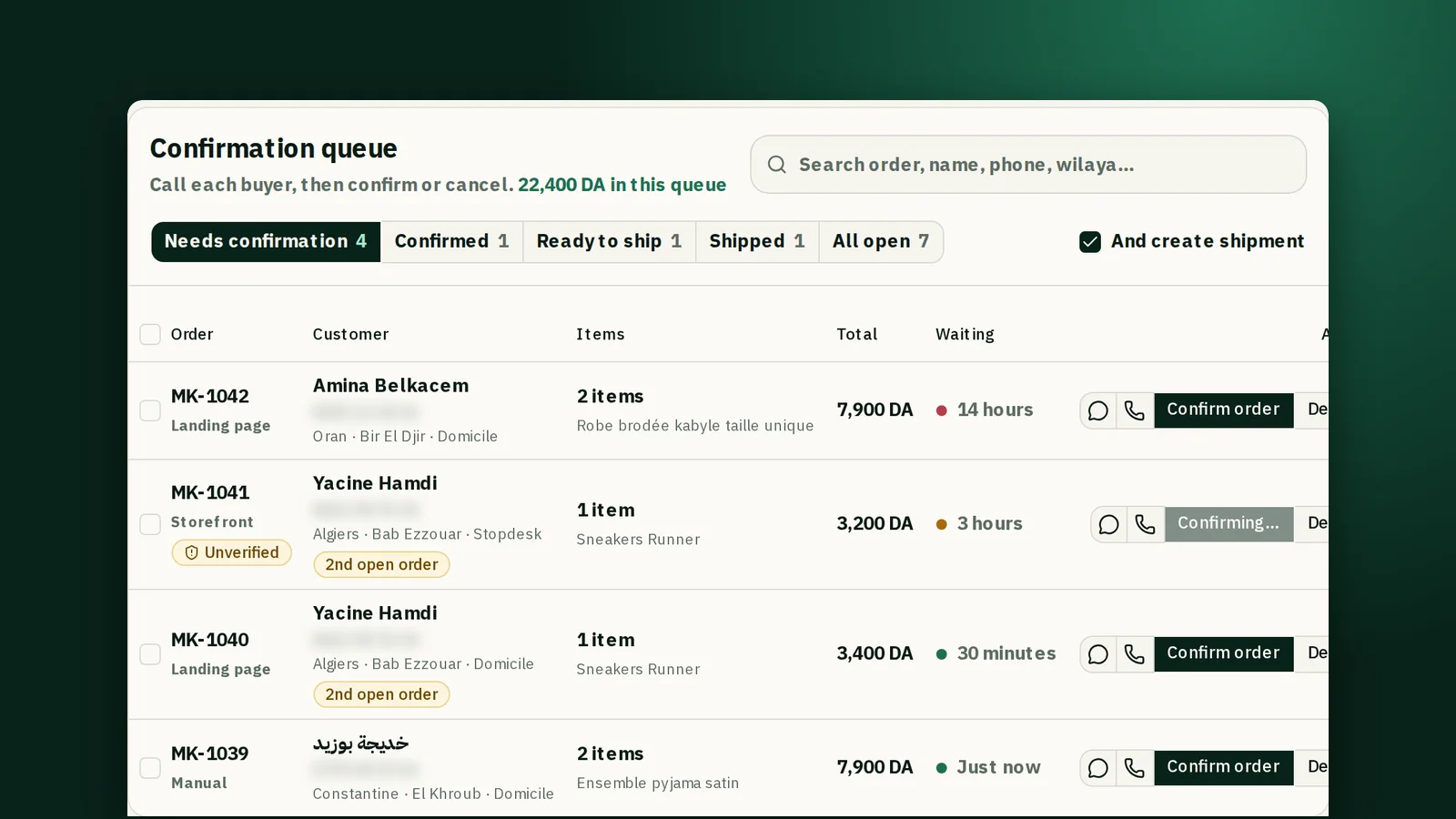
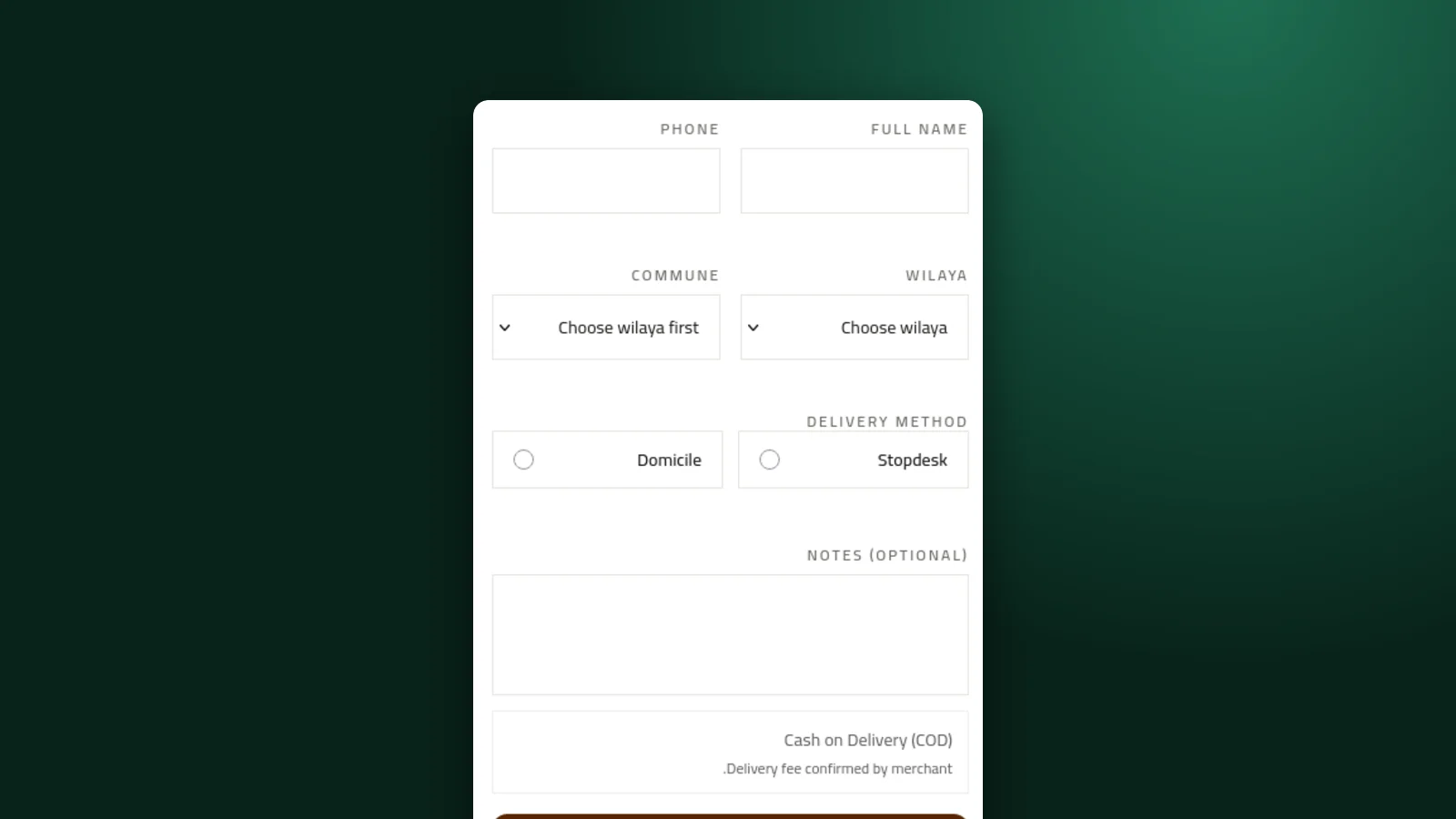
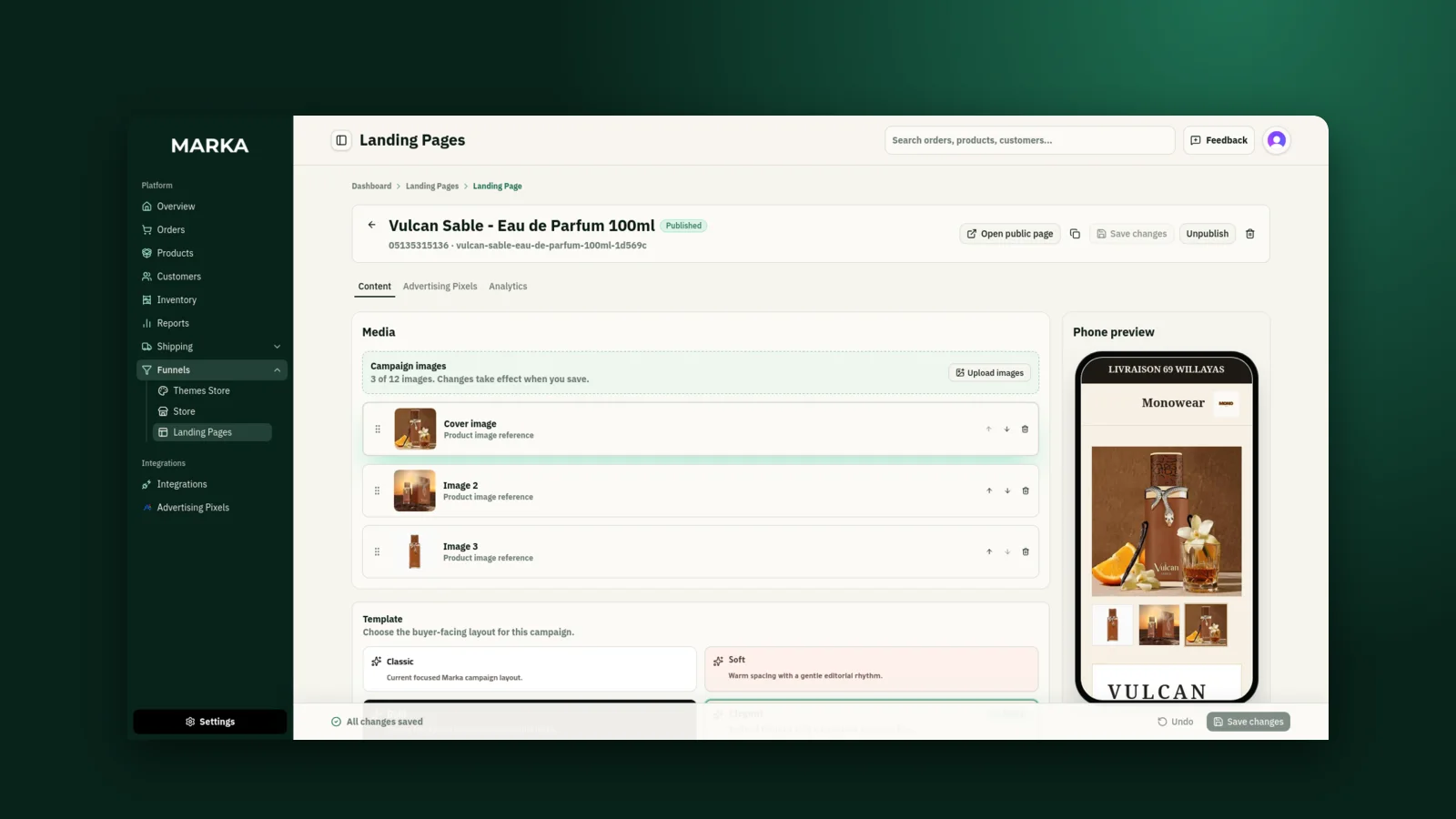
Orders from your store, your landing pages, and the ones you enter by hand all land in the same queue, so nothing waits in a separate inbox.
1Open the confirmation queue
Open Orders from the sidebar. The confirmation queue sorts your open orders into segments: Needs confirmation, Confirmed, Ready to ship, Shipped, and All open. Each segment shows how much money is waiting in it.
The Waiting column tells you how long each order has sat there. Start with the oldest: a buyer who ordered an hour ago is easier to reach than one who ordered yesterday.
2Call or message the buyer from the row
Each order has a Call button and a WhatsApp button, so you reach the buyer without copying their number anywhere.
Open the order to see what they bought, the variant, the delivery method, and the address before you speak to them.
3Watch for the warning labels
A 2nd open order label means the same buyer already has another order open. Check whether it is a real second order or the same one placed twice before you ship both.
An Unverified label appears when you use Cloudflare Turnstile and it could not check the order. That order may not come from a real person, so call before you ship it.
4Confirm or cancel
When the buyer agrees, confirm the order. If they refuse or cannot be reached, cancel it, and Marka releases the stock it had reserved.
When several buyers have already confirmed by message, select their rows and confirm them together.
5Move it to shipping
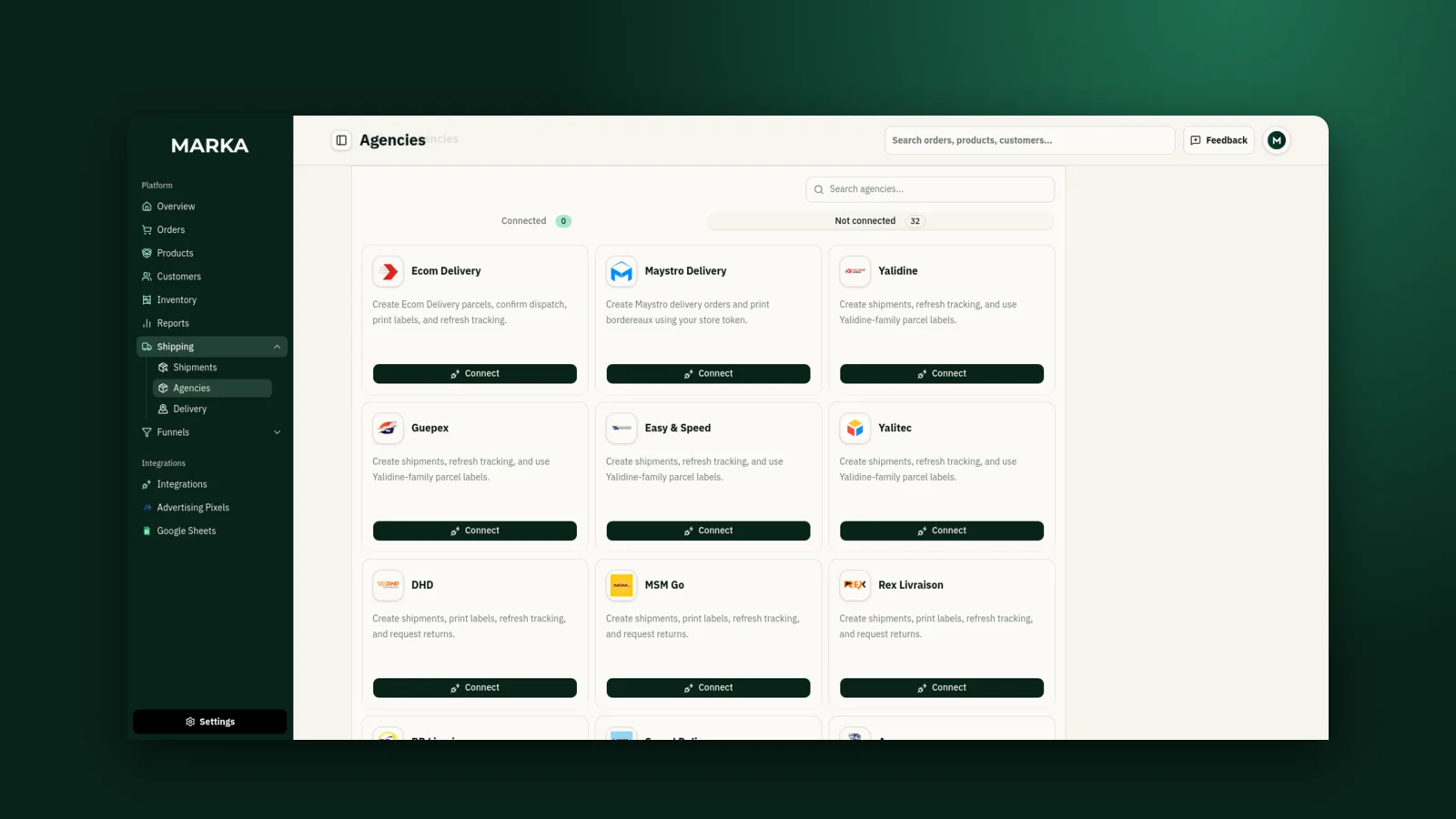
A confirmed order moves on to Ready to ship. If you have a delivery agency connected, Ready & create shipment marks it ready and sends the parcel to the courier in one step.
Keep reading

Ready to start?
Create your store, add your products, and take your first order today.
Start 7 days free