
How to build and publish a landing page for one product
A landing page is a single page for a single product, made to receive traffic from an ad. This guide walks through building one in Marka, from picking the product to reading its results.
 Marka team2 min read
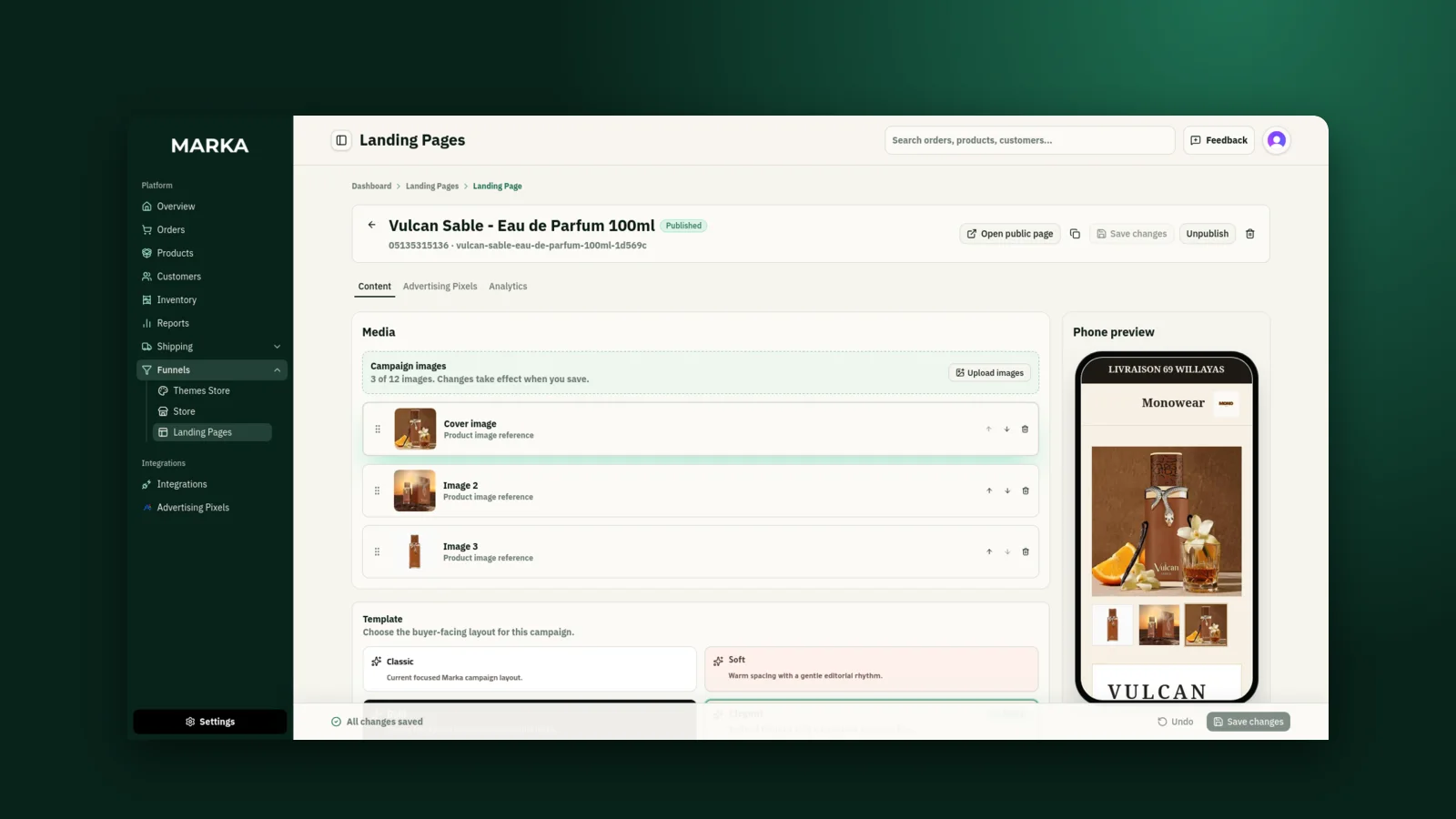
1Create a draft
Open Landing Pages from the sidebar and click Add Landing Page. Choose Standard Landing Page, pick one active product from your catalog, and click Create draft.
2Choose a template
In the Content tab, choose the template that suits the product: Classic, Soft, Bold, Elegant, Flash sale, Natural, Tech, Modest fashion, Heritage, Receipt, or Chat. Flash sale suits a limited-time offer, Modest fashion puts size and colour first, and Tech lays out the specifications.
3Add images and the offer
Upload up to 12 campaign images (JPEG, PNG, WebP, AVIF or GIF, up to 4 MB each) and drag them into order. The first one is the cover.
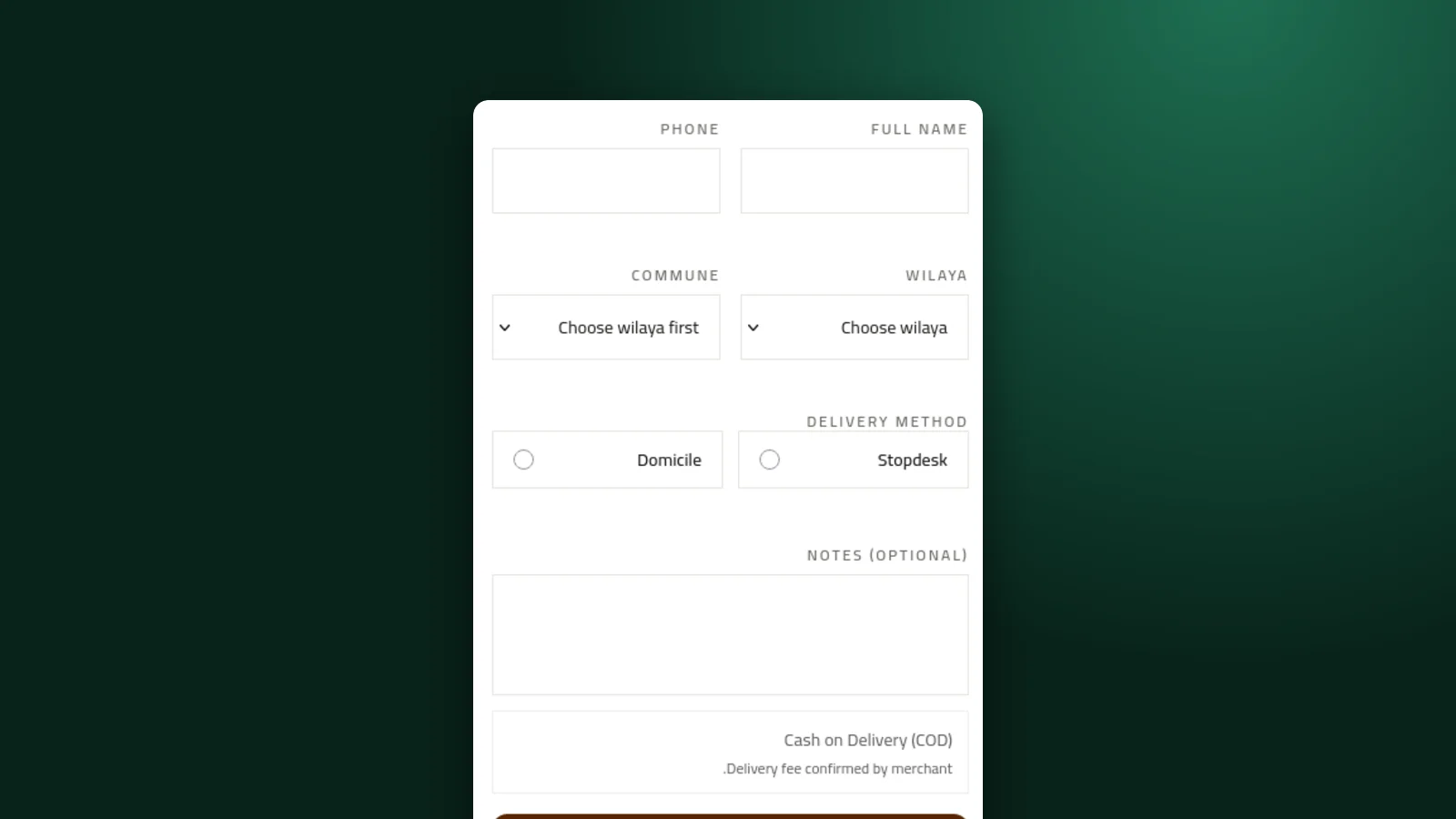
Under Promotion, write the offer label, a headline, and a short description. Add a few benefits if you have them, and set the label of the order button. Marka handles the order form itself.
4Check it on a phone, then publish
The phone preview shows your unsaved edits as you make them, which matters because most buyers will open the page on a phone.
Before you publish, Marka checks that your store has a display name, the product is active and in stock, and the page has at least one image. Click Publish, then Copy public link to put the link in your ad.
5Add a pixel and read the results
In the Advertising Pixels tab, assign the Meta or TikTok pixel of the campaign that sends traffic to this page.
The Analytics tab shows views, submitted orders, and the conversion rate, for all time and the last 30 days.
Keep reading

Ready to start?
Create your store, add your products, and take your first order today.
Start 7 days free