
How to set delivery prices for each wilaya in Marka
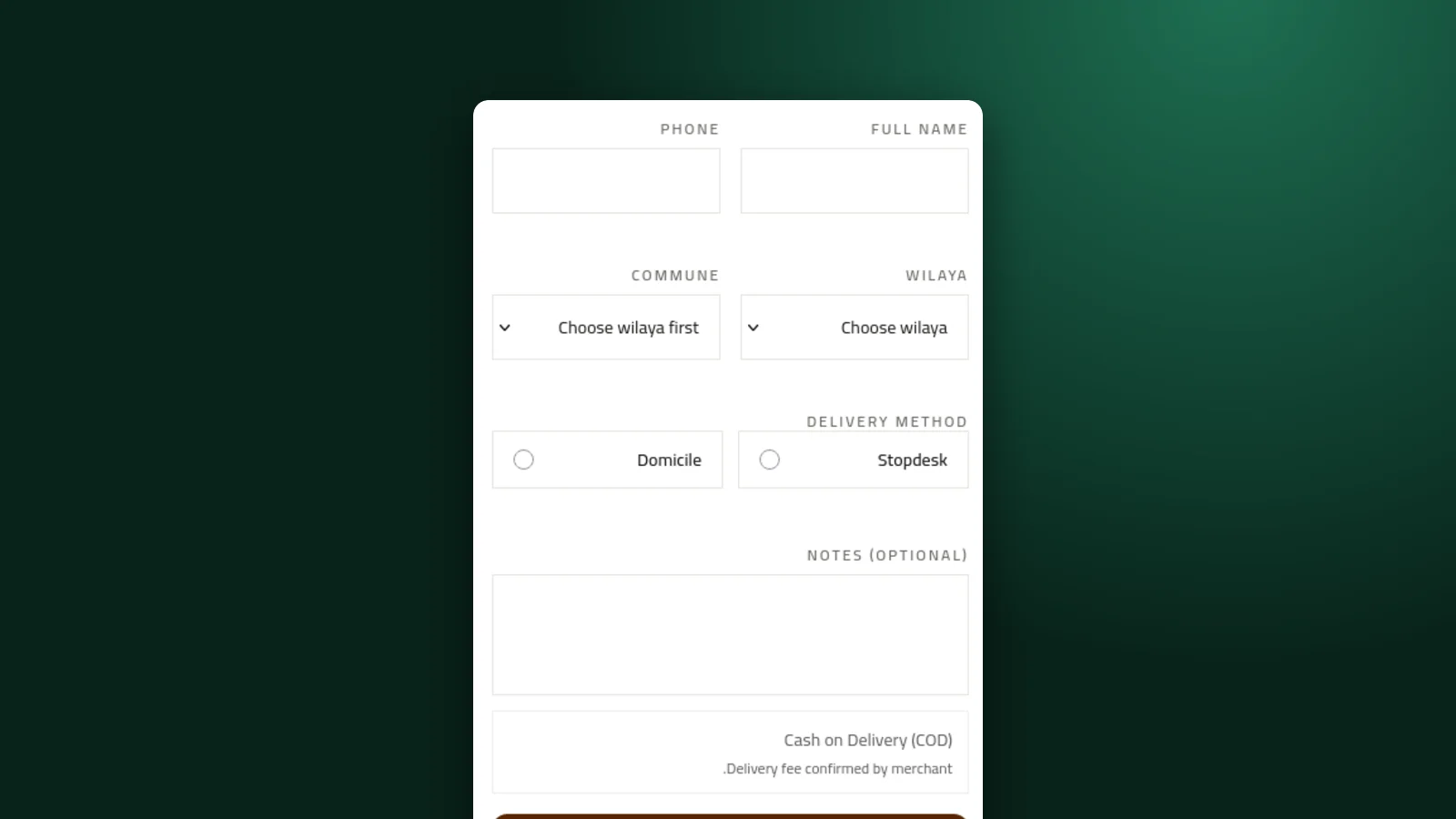
Delivery to Oran does not cost what delivery to Tamanrasset does. Marka lets you set a home price and a desk price for each wilaya, and shows the right fee to the buyer at checkout.
 Marka team2 min read
1Open Delivery and create a price list
In the sidebar, open Delivery and click New price list. Give the list a name you will recognise, such as "Standard 2026".
2Choose your delivery methods
Turn on Home for delivery to the buyer's address, Desk for pickup at a stopdesk or agency, or both. A buyer only sees the methods you turned on.
3Set a base price, then adjust
In the rates table, use Set all to give every wilaya the same home and desk price. Then change the rows that cost more or less.
To change several wilayas at once, filter by region (Center, East, West, South) or search, select the rows, and click Apply with the new price.
If you do not deliver to a wilaya, close it. A blank price adds no delivery charge, so close a wilaya rather than leaving it empty.
4Save and make it the default
Click Save price list, then Make default. Your store and landing pages use the default list unless you choose another one.
5Turn on delivery pricing
Switch Delivery pricing on at the top of the page. From then on, buyers on your store and landing pages see the fee for their wilaya and method before they order.
A landing page can use its own list: in its Shipping & Courier settings, choose a different active list, for example a free-delivery offer for one campaign.
Keep reading

Ready to start?
Create your store, add your products, and take your first order today.
Start 7 days free