
How to connect your Meta & TikTok Pixel to Marka
If you're running ads for your ecommerce business, tracking what happens after someone clicks your ad is essential.
 Marka team2 min read
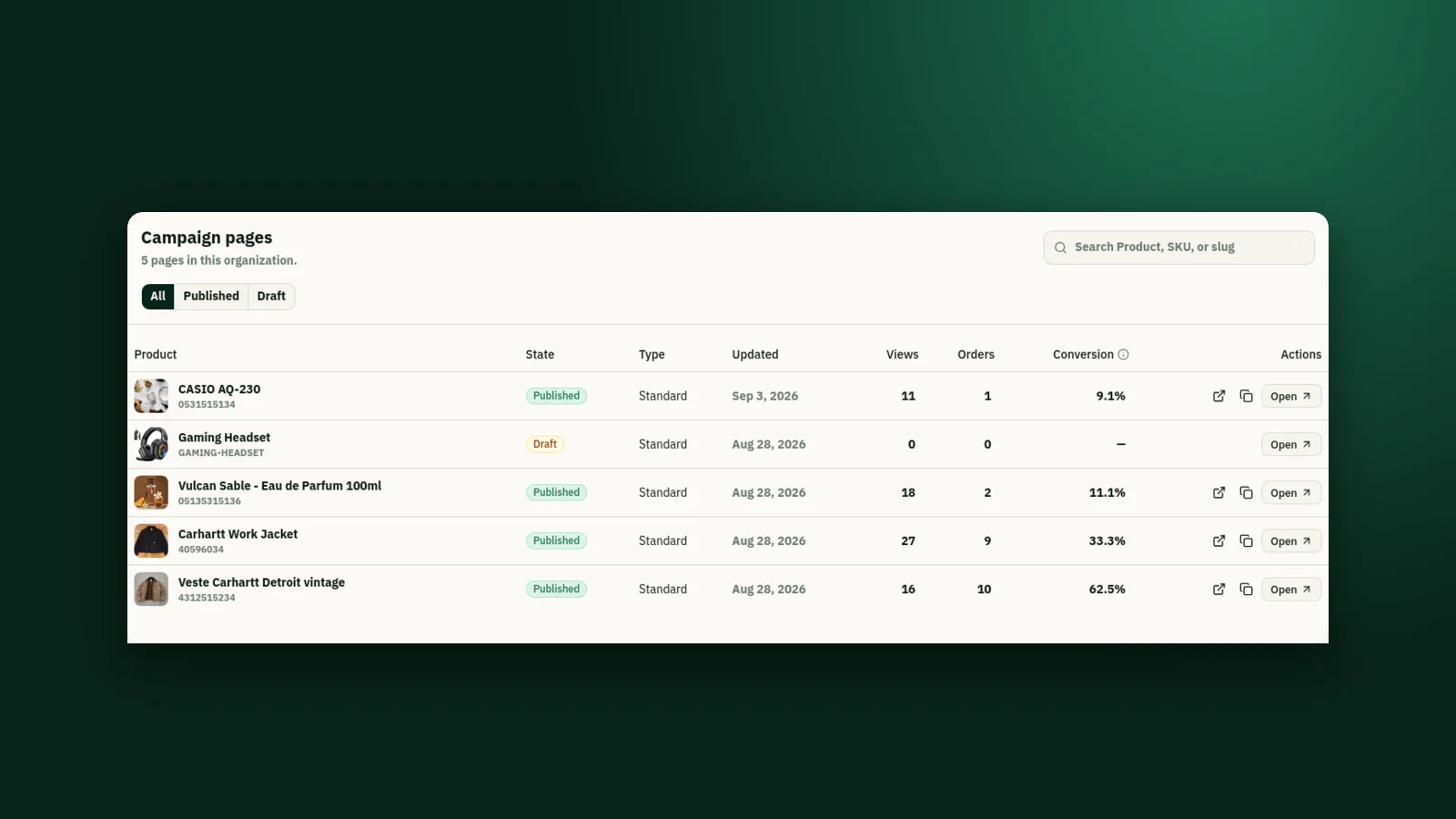
Marka lets you connect your Meta Pixel or TikTok Pixel and assign it directly to the products or landing pages you're advertising. Here's how to set it up.
1Open Integrations
From your Marka dashboard, open the sidebar and select Integrations → Advertising Pixels.
You'll be taken to the Advertising Pixels page, where you can manage every pixel connected to your store.
2Click "+ Pixel"
On the Advertising Pixels page, click the + Pixel button to create a new advertising pixel integration.
3Choose your advertising platform
Marka supports Meta (Facebook & Instagram) and TikTok. Choose the platform you're running your campaign on: Meta Pixel for Facebook or Instagram ads, TikTok Pixel for TikTok Ads.
4Enter your Pixel ID
Copy your Pixel ID from your advertising platform and paste it into Marka. You'll find it inside Meta Events Manager for a Meta Pixel, or TikTok Ads Manager for a TikTok Pixel. Make sure you copy the correct ID before saving.
Once saved, your pixel appears in the Advertising Pixel Integrations section, where you can see every pixel you've configured.
5Assign the pixel to a product or landing page
Instead of installing one pixel across your whole store, Marka lets you assign a specific pixel to a specific product or landing page: a Meta Pixel to Product A, a TikTok Pixel to Landing Page B. That keeps your campaigns organized when you're testing more than one product at once.
6Start your campaign
Once a pixel is connected and assigned to the right product or landing page, send traffic to it from your Meta or TikTok campaign. Your advertising platform then receives the tracking events generated as visitors interact with your store.
Keep reading

Ready to start?
Create your store, add your products, and take your first order today.
Start 7 days free