
How to set up your Marka storefront and choose a theme
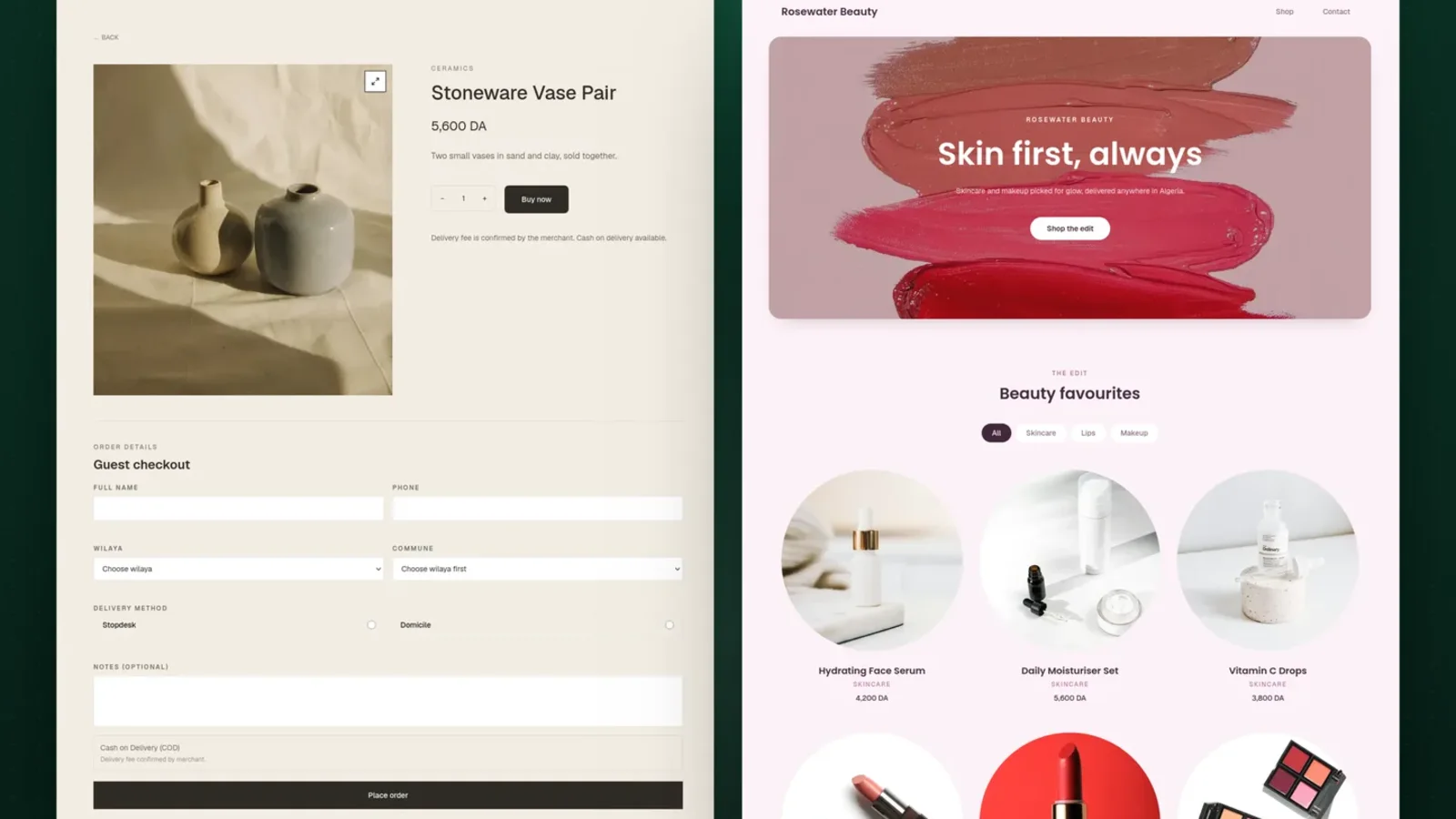
Your storefront is where buyers browse all your products and order. This guide covers the Store page in Marka, tab by tab, and how to change the look with the Themes Store.
 Marka team2 min read
1Name your store and put it online
Open Store from the sidebar. In the General tab, set the store display name: the name buyers see. Your public storefront address is shown here too, with a button to copy it.
The owner can switch the storefront online or offline. Changes take effect when you click Save.
2Add your logo, colour, and cover
In the Design tab, upload your logo and a hero image, and write a short slogan for the top of the store. Marka suggests an accent colour from your logo, which you can keep or change.
Turn on the announcement bar to show a short message above the header, such as a delivery offer.
3Fill in your contact details and links
Add the public phone, WhatsApp, email, and address you want buyers to use. In the Links tab, add your Facebook, Instagram, TikTok, and Google Maps links.
4Write your policies
In the Policies tab, write a delivery note, a return note, and a payment note. Short and clear works best: how long delivery takes, whether returns are accepted, and that payment is cash on delivery.
5Pick a theme
Open the Themes Store to see the available themes. Open example shows a real store in that theme, and Use this theme applies it. Your logo, colour, and cover carry over to whichever theme you choose.
Themes marked Pro come with the Plus plan.
Keep reading

Ready to start?
Create your store, add your products, and take your first order today.
Start 7 days free